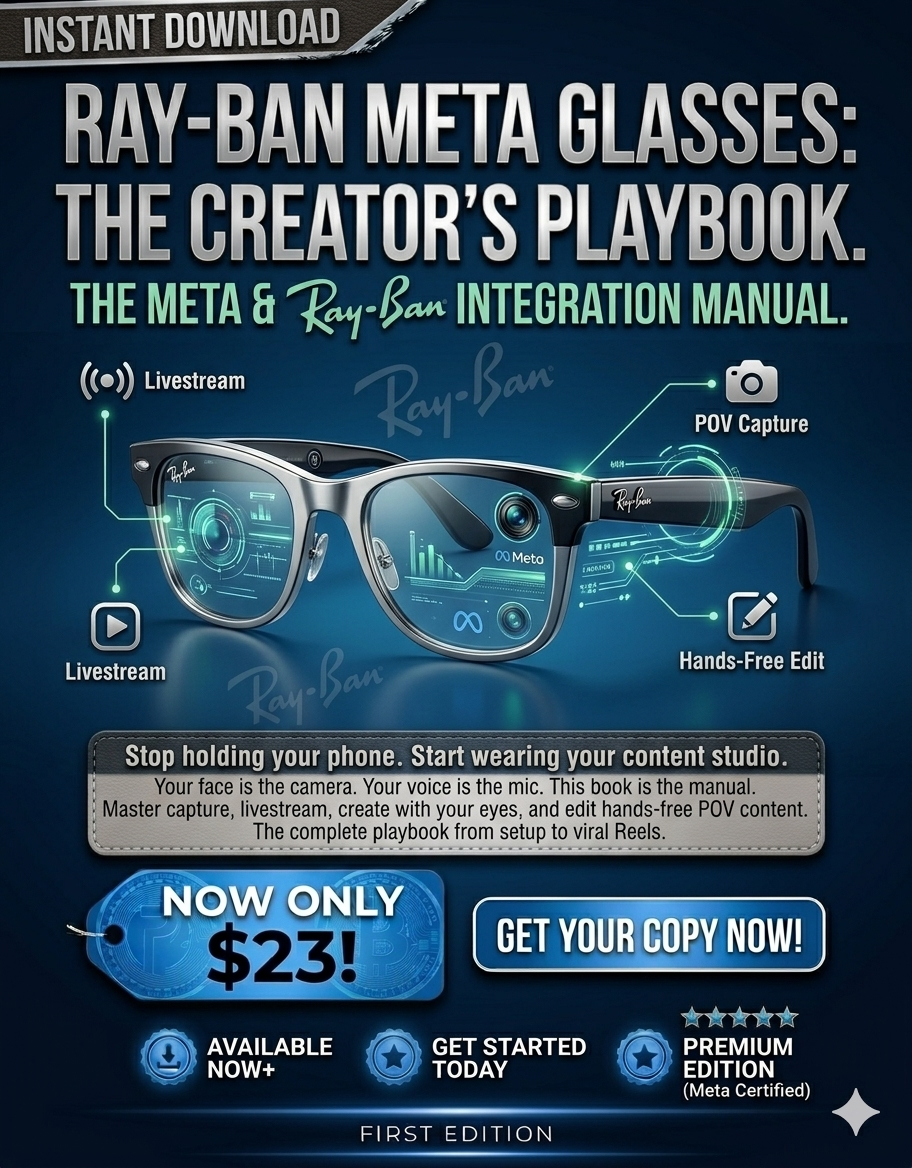
The complete creator’s playbook for Meta’s smart glasses, from setup to viral Reels.
What Users Will Learn
Unboxing, setup, and pairing with the Meta View app (iOS/Android)
Shooting hands‑free photos & videos (voice commands and touch gestures)
Live streaming to Facebook and Instagram directly from the glasses
Editing and colour grading POV footage for Reels, TikTok, and YouTube Shorts
Monetising hands‑free content: brand deals, affiliate links, and live tipping
You have a camera on your face. Why are you still holding a phone?
Ray‑Ban Meta Glasses combine iconic style with cutting‑edge tech – 12MP ultra‑wide camera, five microphones, open‑ear speakers, and AI voice assistant. They let you capture first‑person video, go live, and take photos without ever reaching for your phone.
But most creators never unlock their full potential. They use them as simple point‑and‑shoot glasses, missing the features that make them a game‑changer.
What’s inside:
Chapter 1 – Meet Ray‑Ban Meta Glasses – Hardware specs, camera, audio, battery, charging case.
Chapter 2 – Setup and Pairing – Meta View app, Bluetooth, Wi‑Fi, customising touch controls.
Chapter 3 – Creative Capture Techniques – POV framing without a screen, voice commands, composition tricks.
Chapter 4 – Live Streaming & AI Features – Going live on Facebook/Instagram, interacting with viewers, using “Hey Meta” for object recognition and tasks.
Chapter 5 – The Creator’s Weekly Scorecard – 10‑point audit, 7‑day content challenge, editing workflow, monetisation strategies.
This playbook is the complete guide – from unboxing to viral POV content. You’ll learn how to shoot steady, hands‑free footage, use voice commands for seamless capture, go live while walking, and even integrate AI visual search into your content.
Includes practical exercises:
Unboxing and first‑shot challenge
POV framing practice (using mirrors and playback)
30‑second live stream test
7‑Day Ray‑Ban Meta Content Challenge
Editing workflow for glasses‑captured footage
Who this is for:
Content creators, travel vloggers, live streamers, adventure filmmakers, and anyone who wants to produce hands‑free, immersive POV content without holding a device.
"I shot an entire travel vlog without ever pulling out my phone. The POV shots got 5x more engagement than my normal videos.”
— Jenna R., travel creator
“I didn’t even know about the voice commands. Now I use ‘Hey Meta, take a video’ while cooking. So simple.”
— Lin S., food blogger
“The weekly scorecard made me realise I was underusing the glasses. Now I post 5 POV clips a week and my TikTok grew by 3k followers in a month.”
— Derek P., creator